

Table of Contents
Live streaming has become one of the most effective ways for brands to connect with audiences in real time. Whether the goal is launching a product, hosting an event, or building stronger engagement with customers, live video creates immediacy that pre-recorded content often cannot match. Many businesses choose to work with experienced video partners like Get Camera Crew to make sure technical setup, visual quality, and audience experience run smoothly from the start, allowing teams to focus on communication rather than troubleshooting during the broadcast.
Livestreaming may look simple from the outside, yet successful streams depend on planning, preparation, and clear execution. Small mistakes such as poor audio, unstable internet, or unclear structure can quickly reduce viewer retention. With the right approach, live video can become a reliable marketing and communication channel that builds trust and encourages interaction.
Below are eight practical best practices that help you livestream confidently and professionally.
1. Define the Purpose of Your Livestream
Every successful livestream begins with a clear objective. Without a defined purpose, streams often feel unfocused and audiences lose interest quickly. Your goal determines everything from format and duration to tone and platform choice.
A livestream might aim to educate viewers, showcase a product, answer customer questions, or provide entertainment. Each goal requires a slightly different structure. Educational streams benefit from clear segments and visual aids, while promotional streams work better when demonstrations and real examples are included early.
When the objective is clear, decisions become easier. You know what success looks like, what message should be delivered, and how to measure performance afterward. Viewers can sense when a livestream has direction, which helps keep engagement high throughout the session.
2. Choose the Right Platform for Your Audience
Not all livestream platforms serve the same audience or purpose. Selecting where to stream should depend on where your viewers already spend time rather than simply choosing the most popular platform.
Business-focused streams often perform well on LinkedIn or YouTube, where viewers expect educational or professional content. Consumer brands may see stronger engagement on Instagram, Facebook, or TikTok, where casual interaction feels more natural. Some companies even stream simultaneously across multiple platforms to maximize reach.
Platform choice also affects technical requirements and format. Certain platforms favor vertical video, shorter sessions, or faster audience interaction. Matching your content style to platform expectations helps viewers stay engaged rather than feeling disconnected from the experience.
3. Prepare Your Technical Setup in Advance
Technical quality plays a major role in how viewers perceive your brand. Poor audio or unstable visuals can reduce credibility, even when the content itself is valuable. Preparation helps avoid common technical issues that interrupt the viewing experience.
A stable internet connection is the foundation of any livestream. Wired connections are often more reliable than wireless networks. Testing upload speed before going live prevents unexpected buffering or dropouts. Lighting should be balanced and consistent so presenters remain clearly visible, and audio should always be tested with headphones to catch background noise.
Many streaming guides highlight that preparation and testing are among the most common factors separating successful streams from unsuccessful ones, since technical failures often cause viewers to leave early.
4. Structure Your Stream Like a Live Show
Livestreams perform better when they follow a clear structure rather than feeling improvised from start to finish. A simple outline keeps presenters confident and helps viewers understand what to expect next.
Start with a short introduction that explains what the stream will cover and why viewers should stay. Follow this with the main content section, which could include demonstrations, discussions, or interviews. Ending with a summary or Q&A gives viewers a reason to remain until the final minutes.
Even though livestreams are live, planning segments helps maintain pacing. Audiences appreciate clarity, and structured content reduces awkward pauses or repeated explanations.
Also read: How to Estimate Video Production Costs for Small Businesses
5. Engage With Viewers in Real Time
One of the strongest advantages of livestreaming is interaction. Unlike pre-recorded videos, live content allows audiences to participate directly through comments and questions. Engagement makes viewers feel involved rather than passive.
Encourage viewers to ask questions early in the stream and acknowledge comments when possible. Addressing viewers by name or responding to feedback increases connection and encourages others to join the conversation. Interactive elements such as polls or live demonstrations can further increase participation.
Engagement helps extend watch time, which many platforms reward with greater visibility. Streams that feel conversational tend to hold attention longer than those that feel scripted.
6. Keep Visual Presentation Clean and Professional
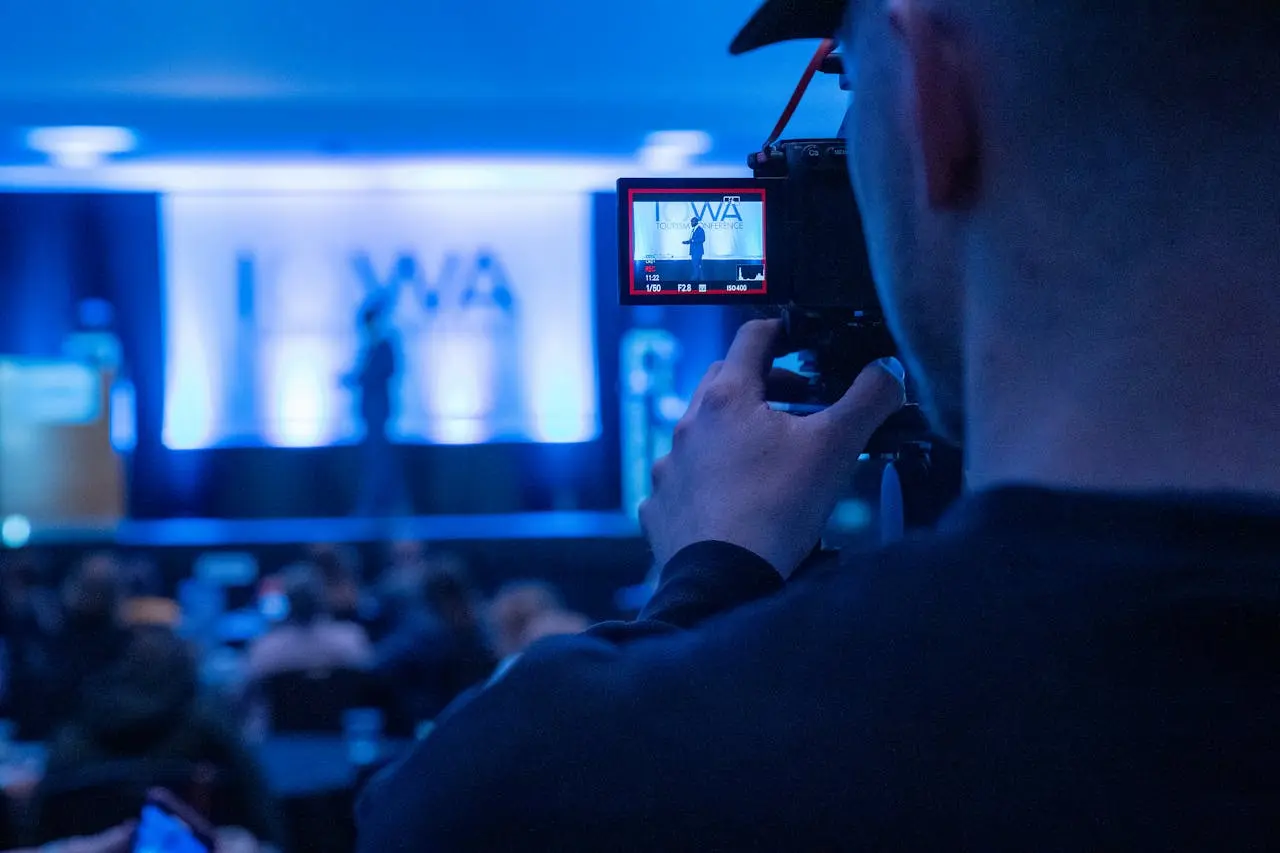
Visual clarity helps viewers stay focused on your message. A cluttered background or distracting elements can reduce attention and make the stream feel less professional. Simple framing often works best.
Position the camera at eye level and maintain consistent lighting across the scene. Branding elements such as logos or colors can be included subtly without overwhelming the frame. Slides or on-screen graphics should remain readable on mobile devices, as a large portion of viewers watch from phones.
Professional presentation does not require expensive equipment, yet consistency and attention to detail create a stronger impression. Small improvements in framing and lighting can significantly improve perceived quality.
7. Promote the Livestream Before Going Live
A common mistake is assuming viewers will appear automatically once the stream starts. Promotion plays a major role in attendance. Announcing your livestream in advance gives audiences time to plan and increases anticipation.
Promote through email newsletters, social media posts, and reminders leading up to the event. Sharing the topic, schedule, and value of attending helps attract the right audience. Countdown posts or teaser clips can build interest without revealing everything beforehand.
Many creators find that consistent promotion improves turnout and engagement levels, as audiences are more likely to join when they know what to expect and why it matters to them.
8. Review Performance After the Stream Ends
The livestream does not end when the broadcast stops. Reviewing performance helps improve future streams and turns each session into a learning opportunity.
Analyze metrics such as peak viewers, watch duration, engagement rate, and audience drop-off points. These insights reveal which parts of the stream worked well and which sections may need adjustment. Feedback from viewers can also guide improvements in pacing or content style.
Repurposing livestream recordings into shorter clips extends the value of the content. Highlights can be shared on social media, used in marketing campaigns, or added to websites as evergreen content.
Also read: 10 Best Stock Footage Resources for Any Budget in 2026
Frequently Ask Questions
What equipment do I need to start livestreaming?
You can start with a smartphone, stable internet connection, and a platform like YouTube, Facebook, or Instagram. As your streams grow, adding external microphones, lighting, and a dedicated camera helps improve audio and visual quality. Many creators begin simple and upgrade once they understand their workflow.
Which platform is best for livestreaming?
The best platform depends on your audience and goal. YouTube works well for long-form content and discoverability, Instagram and Facebook suit community engagement, and LinkedIn fits professional or B2B streams. Some brands stream to multiple platforms at the same time to reach wider audiences.
How long should a livestream be?
There is no fixed duration. Educational or product-focused streams often run between 20 to 60 minutes. The focus should remain on delivering value rather than reaching a specific time target. Shorter streams with clear structure often perform better for new audiences.
Can livestreams be reused after they end?
Yes. Most platforms allow livestreams to be saved and republished as regular videos. Many brands repurpose livestreams into shorter clips, tutorials, or social media highlights to extend content lifespan and reach new viewers.
How do I make livestreams more engaging?
Engagement increases when viewers feel involved. Responding to comments in real time, asking questions, running live Q&A sessions, or inviting guest speakers helps keep viewers watching and interacting throughout the stream.
Do I need a professional team for livestreaming?
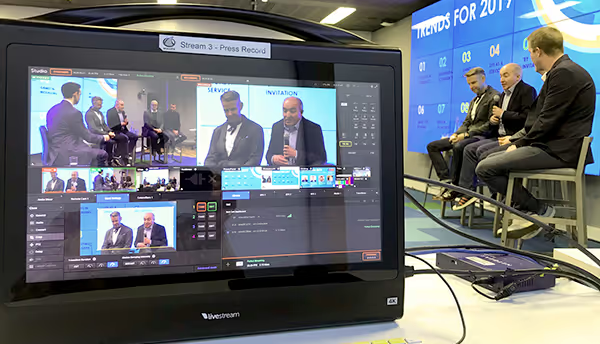
Simple streams can be handled internally, but professional support helps when production quality matters, such as product launches, corporate events, or branded campaigns. A production partner helps manage lighting, audio, switching, and stream stability so the host can focus on the presentation.
Turn Your Next Livestream Into a Professional Experience With Get Camera Crew
Livestreaming blends technical execution with real-time communication, which can feel overwhelming for teams handling everything internally. A structured approach helps reduce uncertainty and allows presenters to focus on delivering value to viewers rather than managing equipment or troubleshooting issues.
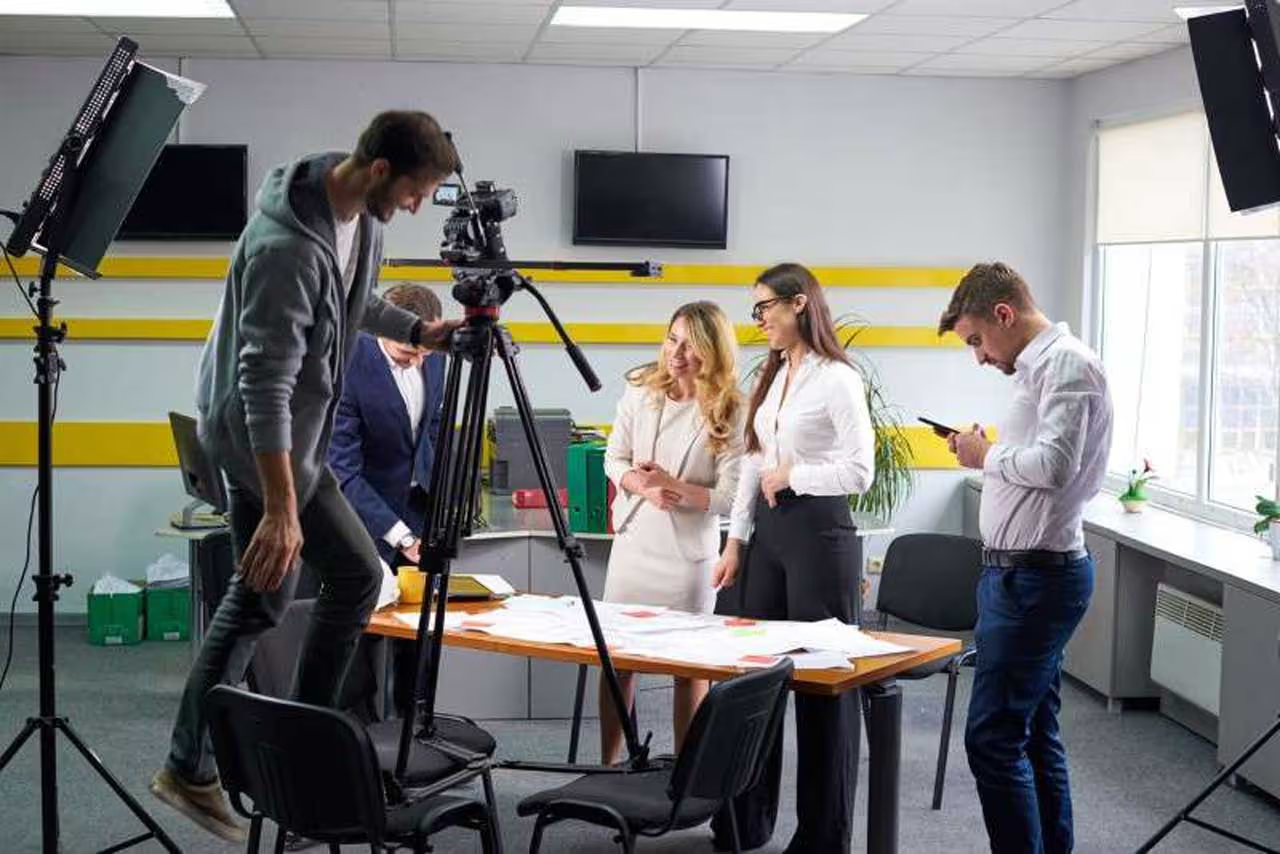
Working with an experienced production partner makes a significant difference in both quality and confidence. From setup planning to camera operation and live switching, professional support keeps your stream running smoothly and ensures your message reaches audiences clearly.
If you are planning a livestream for an event, product launch, or corporate communication, Contact Get Camera Crew today. Our team helps brands create professional livestream experiences that look polished, stay on schedule, and keep audiences engaged from start to finish.



.svg)